





NationalBet Login — How to Sign In to Your Account
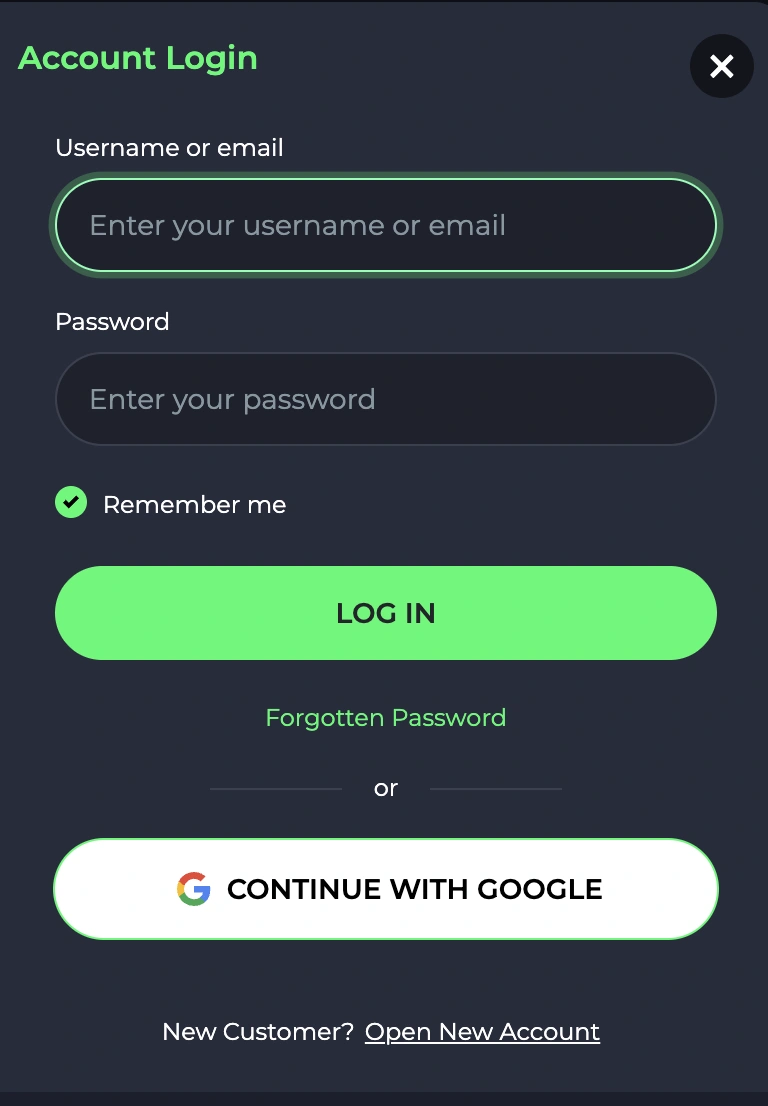
NationalBet login is straightforward: tap Log In top right, enter your email and password, confirm 2FA if set up. Takes about ten seconds on a stable connection.
If you're stuck — wrong password, account locked, 2FA not working — there's a fix for each. This guide walks through every login scenario, password reset, mobile sign-in, and how to register if you don't have an account yet.
Table of contents ▼
How to Log In to NationalBet (Step by Step)
- Open the NationalBet site or app.
- Tap Log In at the top-right corner.
- Enter your registered email address.
- Enter your password.
- Approve the 2FA prompt if enabled.
- You're in — head to the cashier or pick a game.
NationalBet Login on Mobile & App
In the app, biometric login replaces typing after the first sign-in. Face ID on iPhone, fingerprint on Android.
First time logging in to the app uses your email and password, same as desktop. After that, the app prompts to enable biometric login — accept it and you'll never type the password again on that device. Switching devices? You'll need to log in with credentials once, then enable biometrics on the new one. Full app setup is on the NationalBet app page.
Forgot Your NationalBet Password?
Password reset works through email. Click "Forgot password", enter your address, follow the link sent to your inbox.
- On the login screen, tap Forgot Password.
- Enter the email address tied to your account.
- Check your inbox for the reset email (also check spam).
- Click the link — it's valid for 30 minutes.
- Set a new strong password (12+ characters recommended).
- Log in with the new credentials.
If the reset email doesn't arrive, double-check the email address is right. Sometimes accounts were created with a typo. Live chat can confirm what's actually on file.
Can't Log In? Common Problems & Fixes
Most login failures fall into five buckets. Here's what each one looks like and how to fix it.
| Problem | What to do |
|---|---|
| Wrong email or password | Use password reset, double-check email spelling |
| Account not verified | Find the verification email in inbox / spam, click the link |
| Locked after too many tries | Wait 30 minutes or contact support to unlock |
| Browser cache / cookies | Clear cache, try incognito, or different browser |
| 2FA code not working | Sync authenticator app time, check device clock |
| Region / IP blocked | VPN can trigger geo-restrictions, disable it |
| Account self-excluded | Self-exclusion is permanent within the period set |
Live chat runs 24/7. If you've tried the obvious fixes and still can't get in, support can verify your identity and reopen access.
How to Register a New NationalBet Account
Registration takes about one minute. Email, password, basic personal details, age confirmation, done.
- Click Sign Up at the top right.
- Enter your email and create a password.
- Fill in name, date of birth, and UK address.
- Confirm you're 18+ and accept the T&Cs.
- Verify your email through the link sent.
- Make a deposit (min €10) to claim the welcome bonus.
Account Security & Two-Factor Authentication (2FA)
2FA is optional but strongly recommended. Switch it on once your account is verified.
- 2FA app — Google Authenticator, Authy, or any TOTP app.
- SMS code — backup option if you lose your authenticator.
- Strong password — 12+ characters, mix of letters, numbers, symbols.
- Don't share credentials — NationalBet support will never ask for your password.
- SSL encryption — every login session is encrypted end-to-end.
Claiming Your Bonus After Login
Once you're signed in, head to the cashier and make a deposit of €10 or more. The welcome offer triggers automatically — no code needed. For everything bonus-related, including wagering and promo codes, see the full bonus guide.